
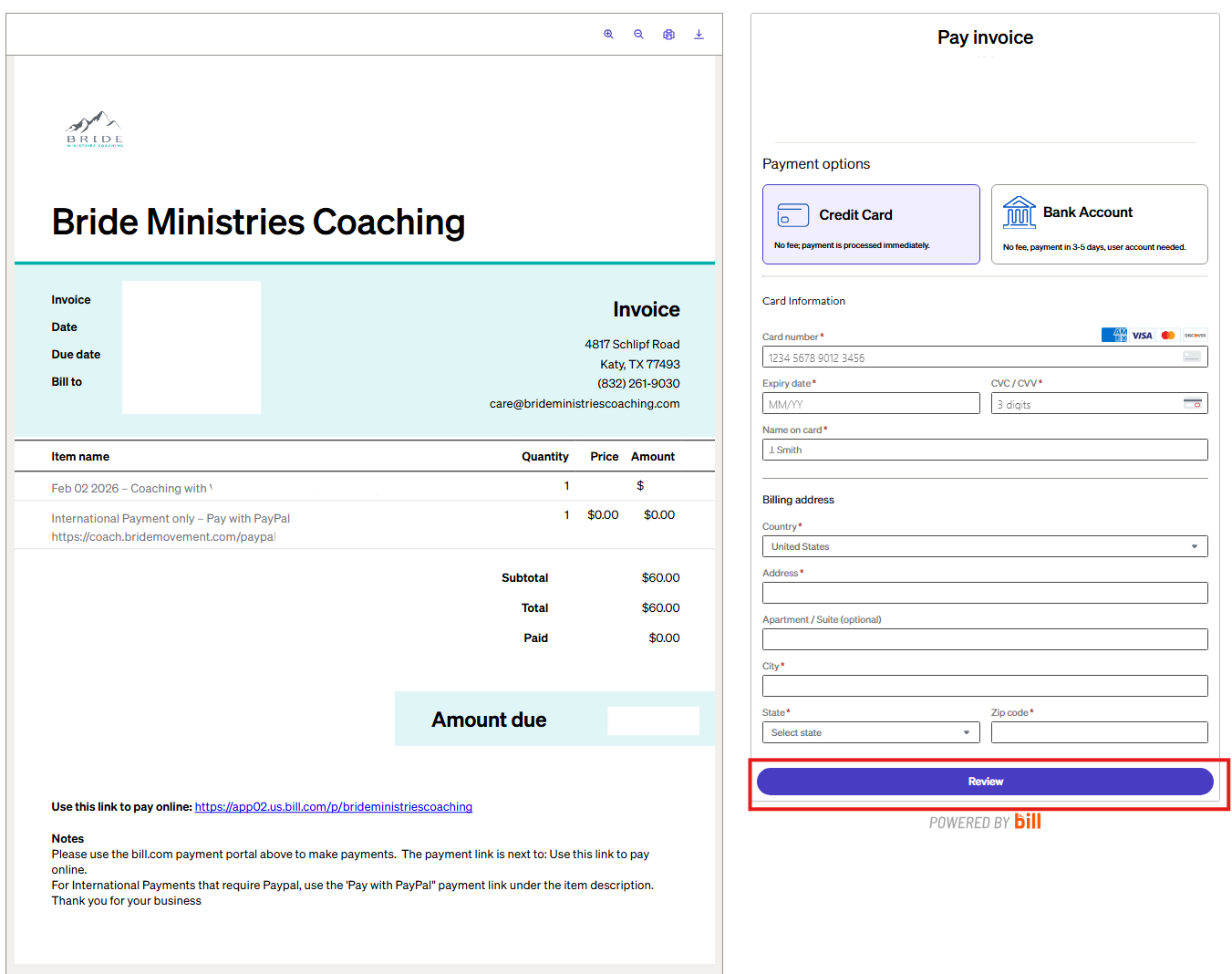
First, you should receive an email with your invoice. Click the link in the email to pay.
If you need to use PayPal, open the PDF version and click the PayPal link under the item description.
Otherwise use the Pay Invoice section and fill out your payment data.
Click Review after filling out your information.
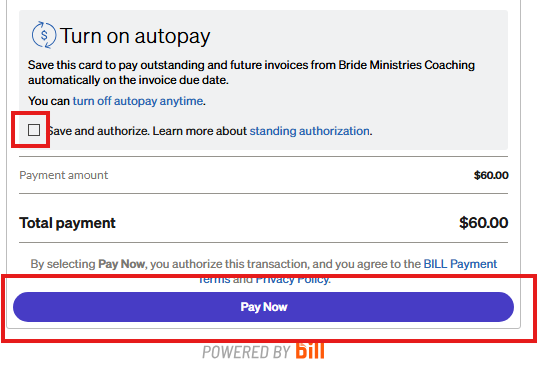
After clicking Review. Check the Save and Authorize box to be able to Autopay. Then click Pay Now.