
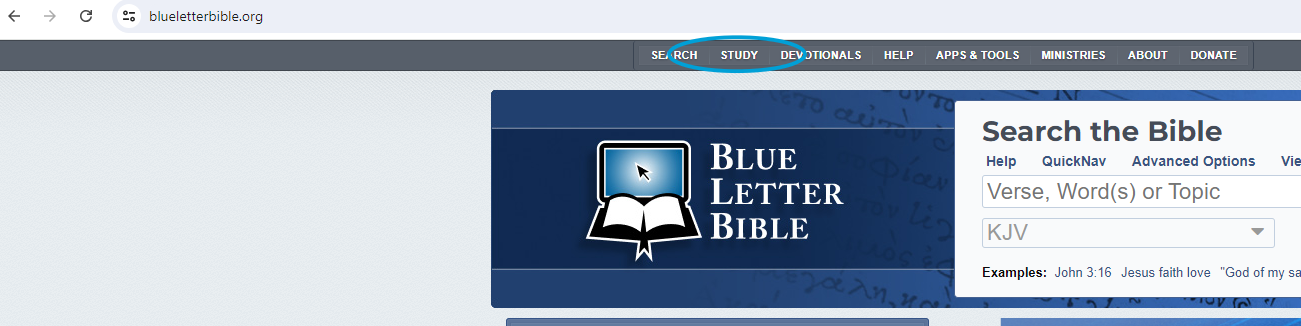
Step 1: To access a free Strong's Concordance, click on https://www.blueletterbible.org/
Step 2: Select Study at the top of the page
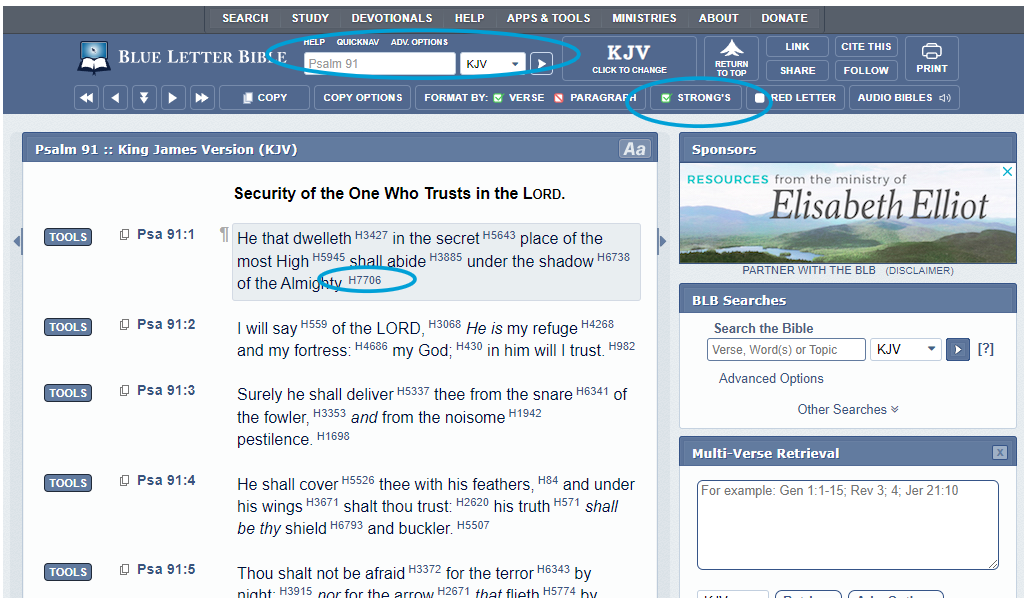
Step 3: In the search bar, put the scripture that you want to research, keep the setting KJV (Kings James Version), and press the arrow to the right of the KJV. Then click the box entitled STRONG'S. You will see numbers to the right of the words in Scripture. If you click on the numbers you will get all the information about that word! 'H' letters mean Hebrew. 'G' letters mean Greek.
***If you choose a different bible version other then the KJV, the STRONG's will not be an option, so always keep the KJV selected