
First, go to our Coach Roster HERE
Then select the coach you want to schedule a session with.
Once you viewed the coach's bio, scroll down to Book a Coaching Session box.
Please read all the instructions fully before booking a session in order to prevent cancelations or missed sessions.
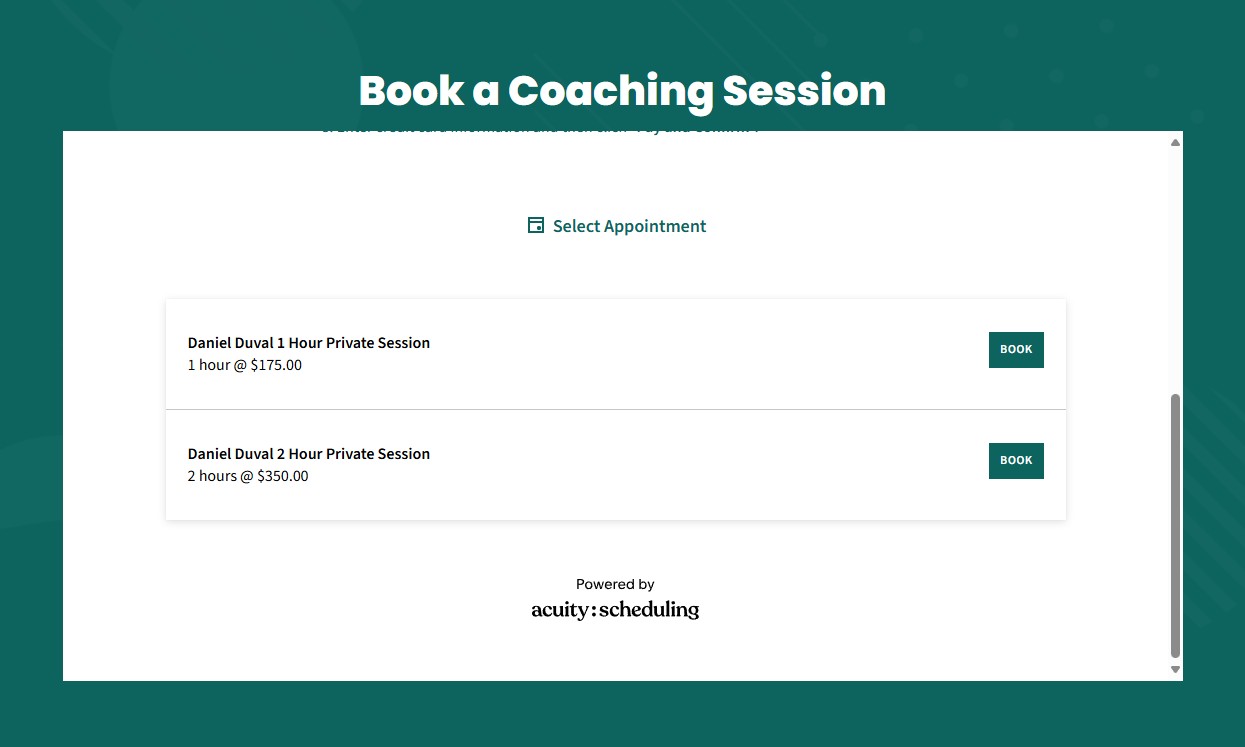
Click the "Book" button next to the length of session you would prefer.
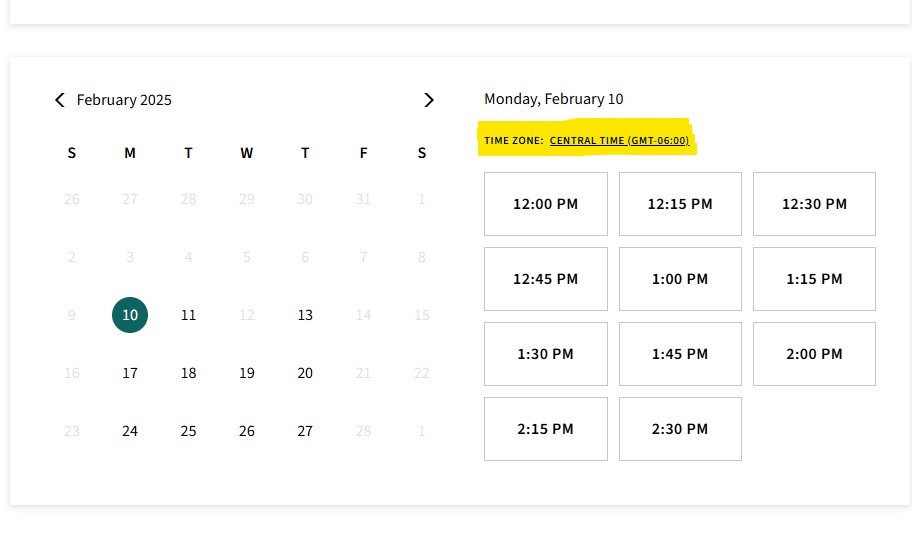
A calendar will appear. On the calendar select any bolded date for an available session.
Available time slots will appear to the right of the calendar.
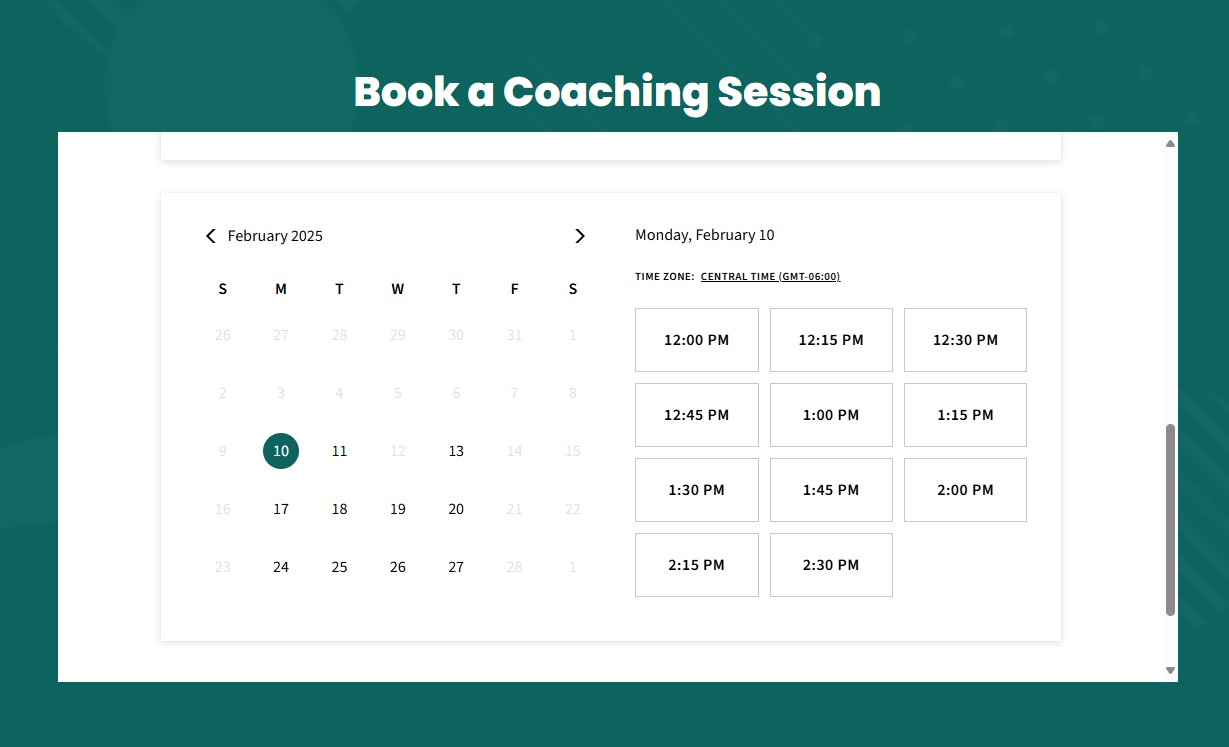
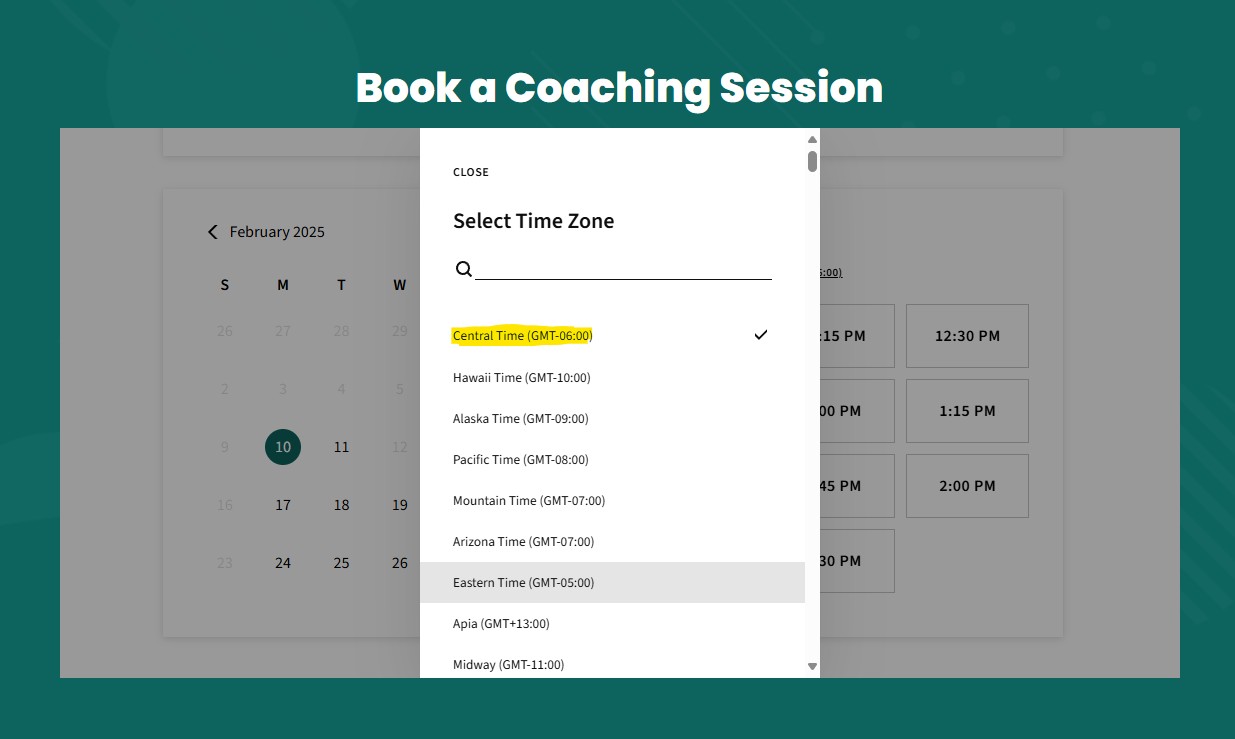
Confirm you have the correct time zone. Make sure the time zone name, Greenwich Mean Time (GMT), and associated city if displayed are in your time zone.
If the listed time zone does not match, click the underlined time zone and change it to your time zone before booking. Example: Time Zone: Central Time (GMT-05:00).
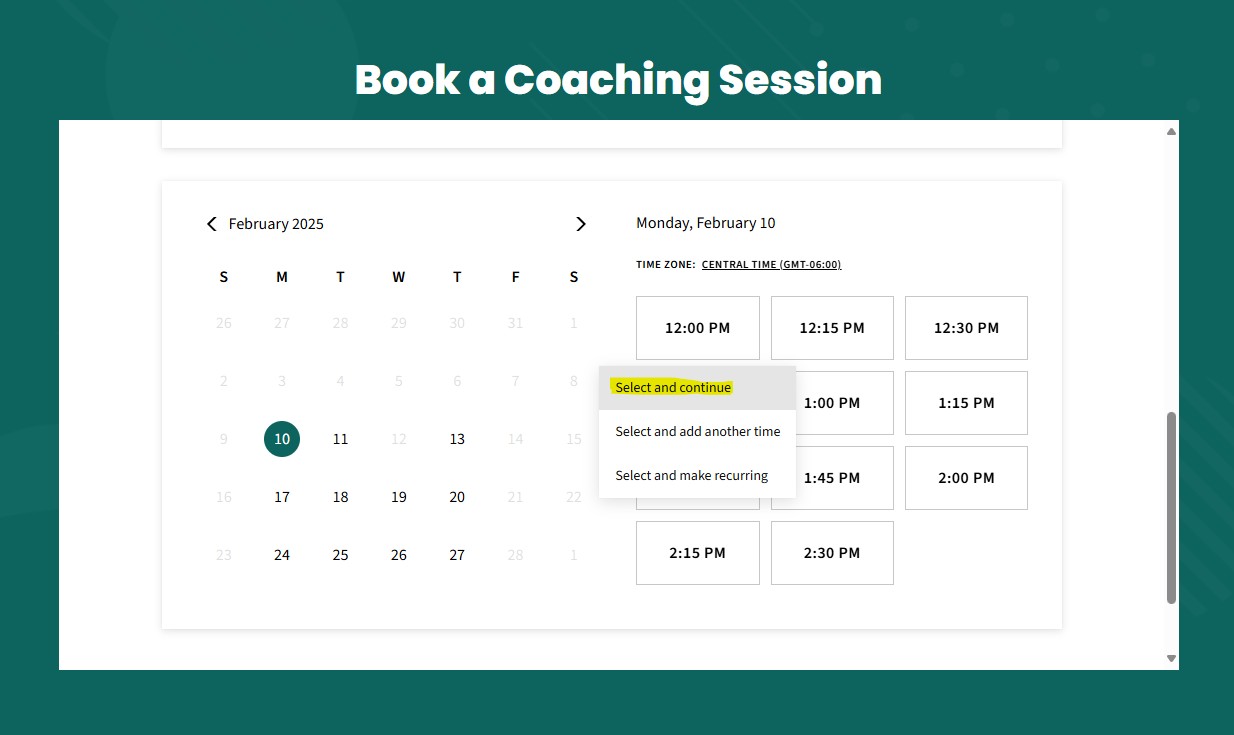
After confirming time zone, click the session time you prefer and then click "Select and Continue"
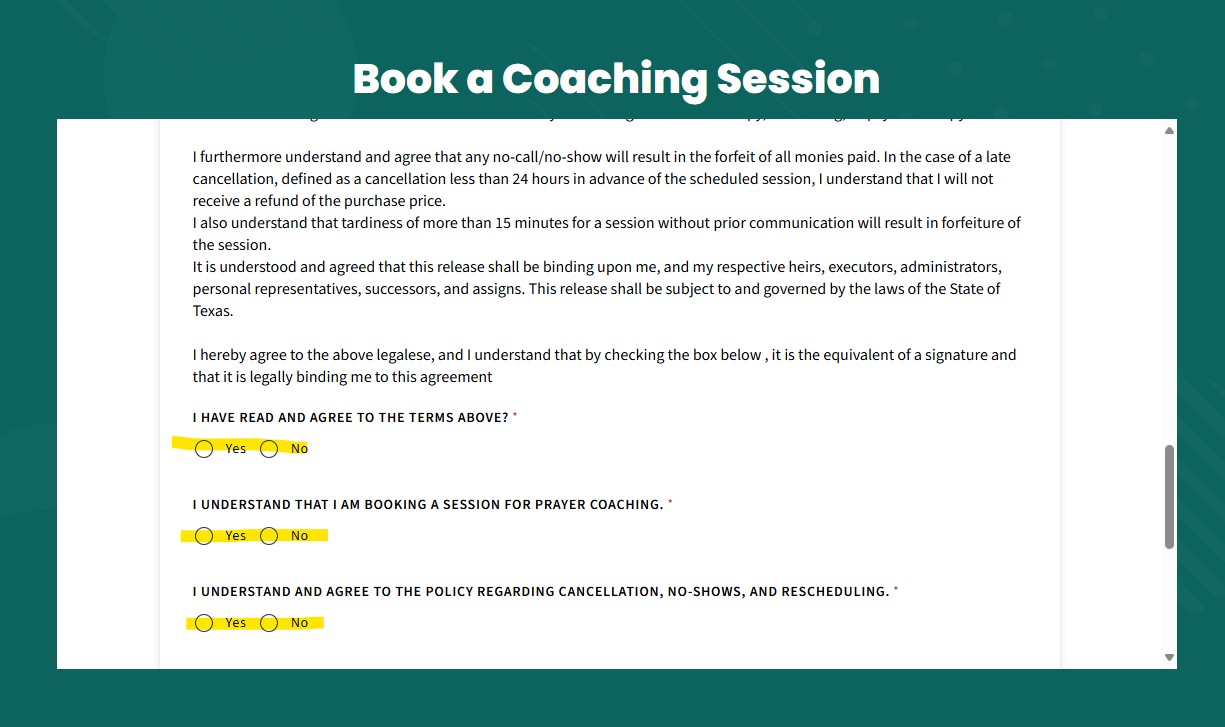
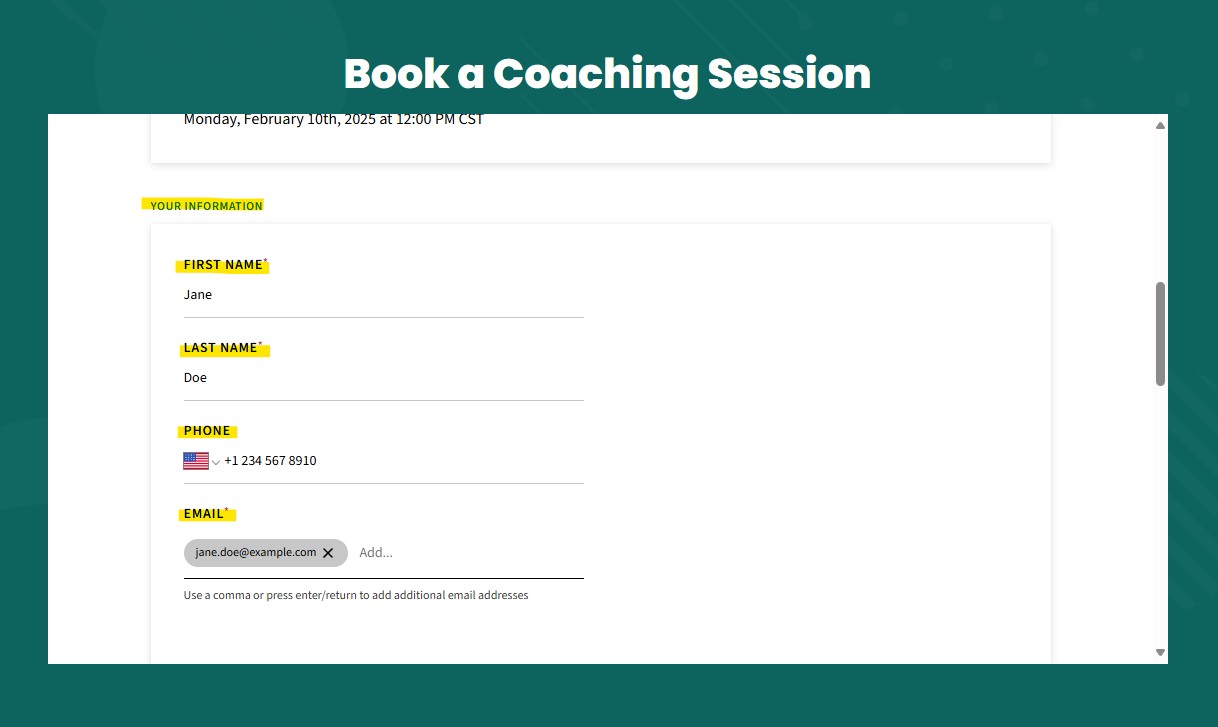
Fill out the YOUR INFORMATION on the next page and complete the intake form. NOTE: You will need to answer if you agree with Terms and Legal Release. If you like to read the full Legal Release, CLICK HERE
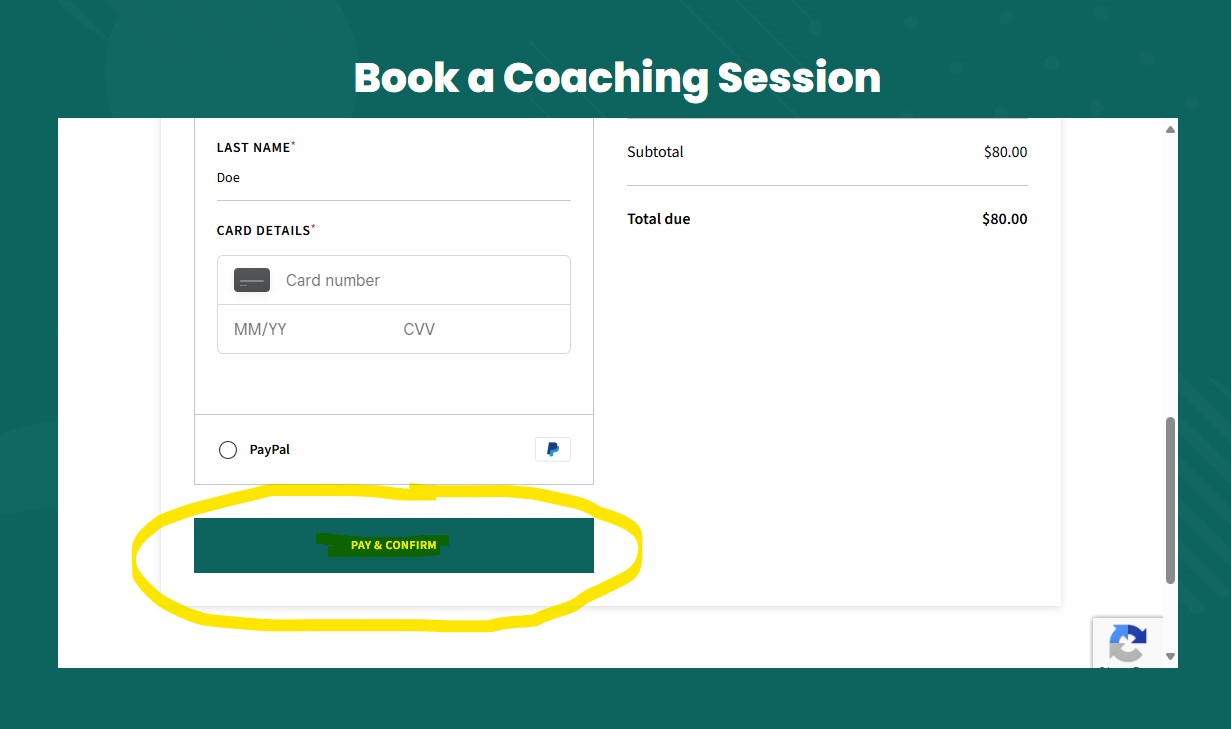
At the bottom, select the credit card payment method you prefer either "Pay Now" or "Pay with PayPal".
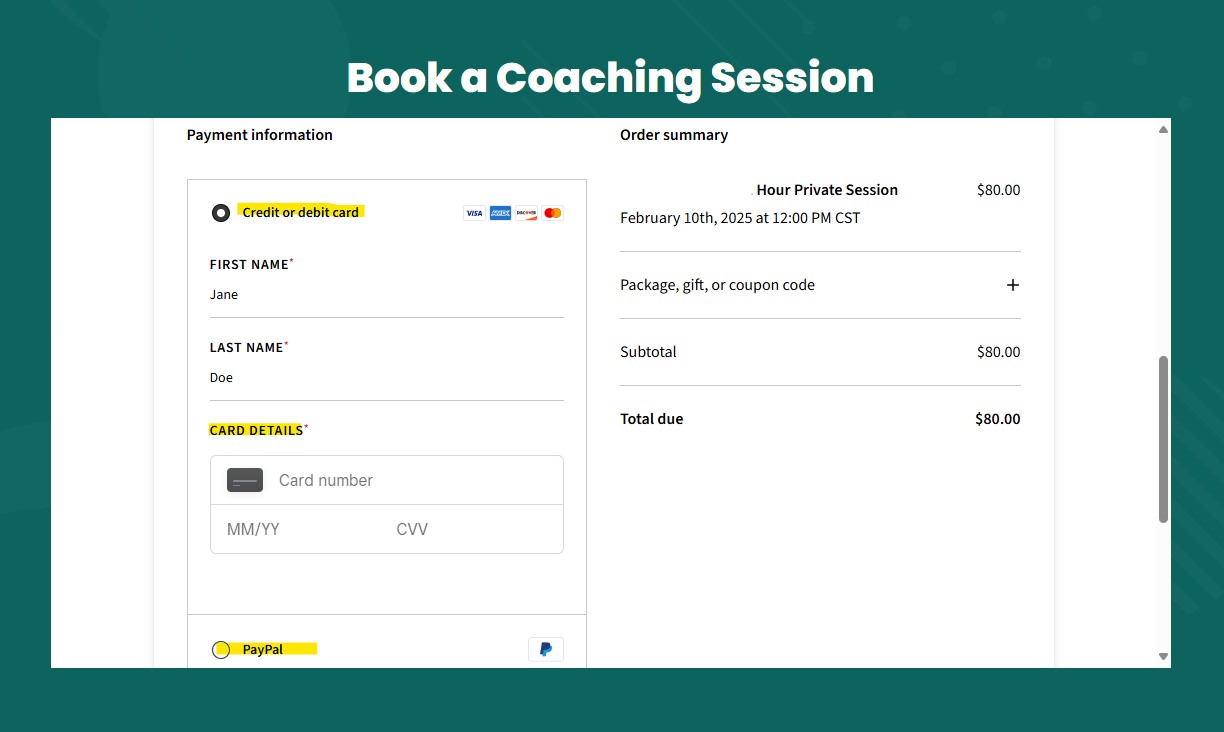
Enter credit card information and then click "Pay and Confirm".